Make autonomous maintenancehappen every shift
Continual turns CILs, centrelines, defects, and follow-up actions into a simple daily workflow for operators, maintenance teams, and frontline leaders.
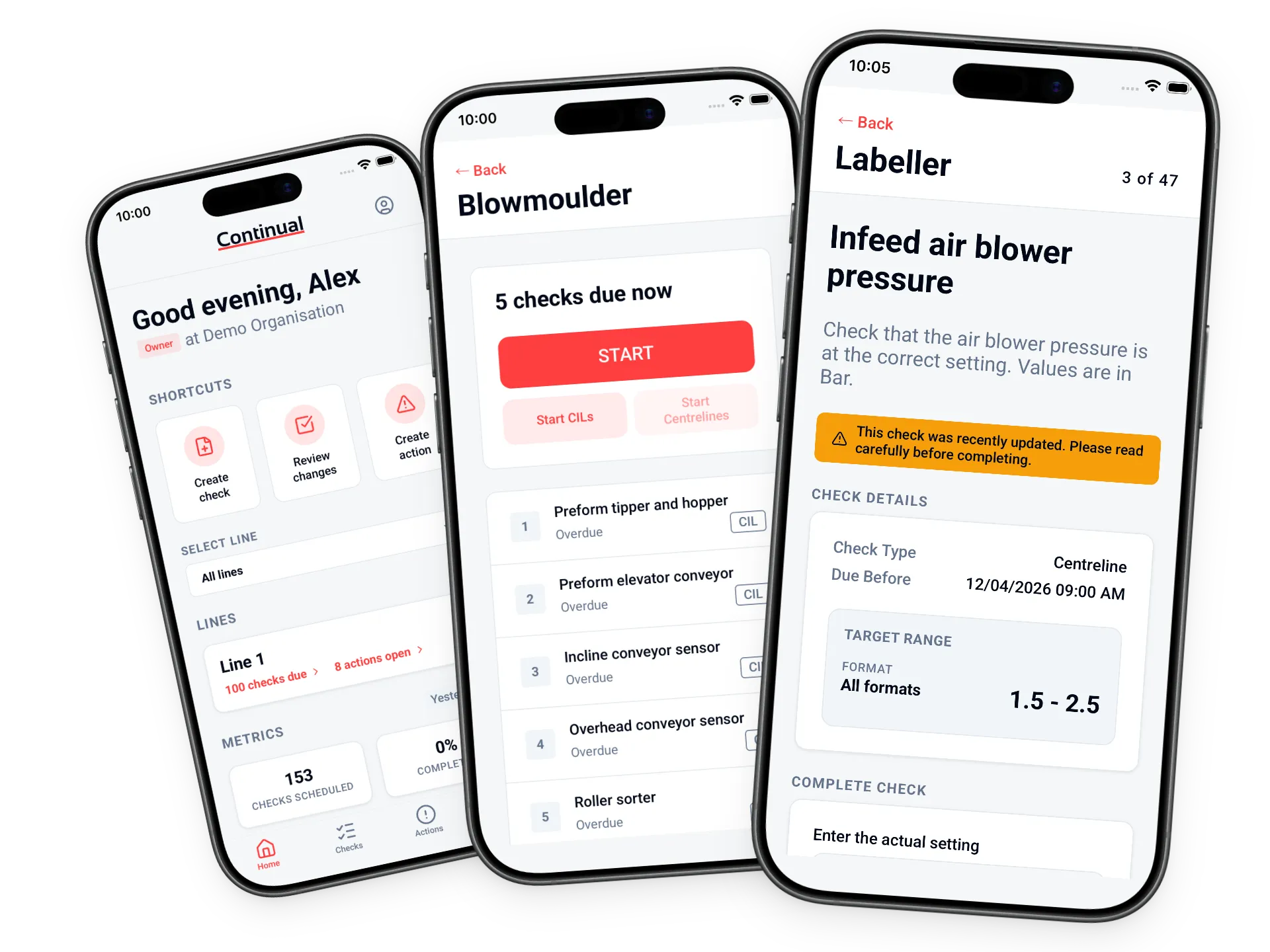
The gap Continual closes
AM usually fails between the standard and the shift
Checks live on paper. Defects get mentioned in handover. CMMS tools carry work they were not designed to prevent. Maintenance hears about small problems after they have already become stoppages. Continual gives the floor one place to run the routine, escalate what is wrong, and see what needs attention.
Benefits
What changes on the floor
Continual is built around the daily operating moments that make or break autonomous maintenance.
Catch defects before downtime
Give operators a clear way to spot deterioration, capture evidence, and escalate issues before they become line stops.
Make every shift follow the same standard
CILs, centrelines, and safety checks run from the same source of truth, so the standard does not depend on memory, paper, or handover notes.
Turn operator knowledge into routine
Visual references, pass/fail criteria, and guided steps help every operator know what good looks like and what to do when it does not.
Give maintenance fewer small fires
Route simple checks and early defect detection to the frontline, so skilled technicians can focus on the work only they can do.
See what is slipping
Track missed checks, recurring defects, deviations, and overdue actions before they become another blind spot in daily management.
Improve the standard from floor data
Use real check activity, defect trends, and line performance signals to tighten your AM program over time.
How It Works
From standard to sustained routine
Set up the standard, run it on the floor, and use the data to keep improving.
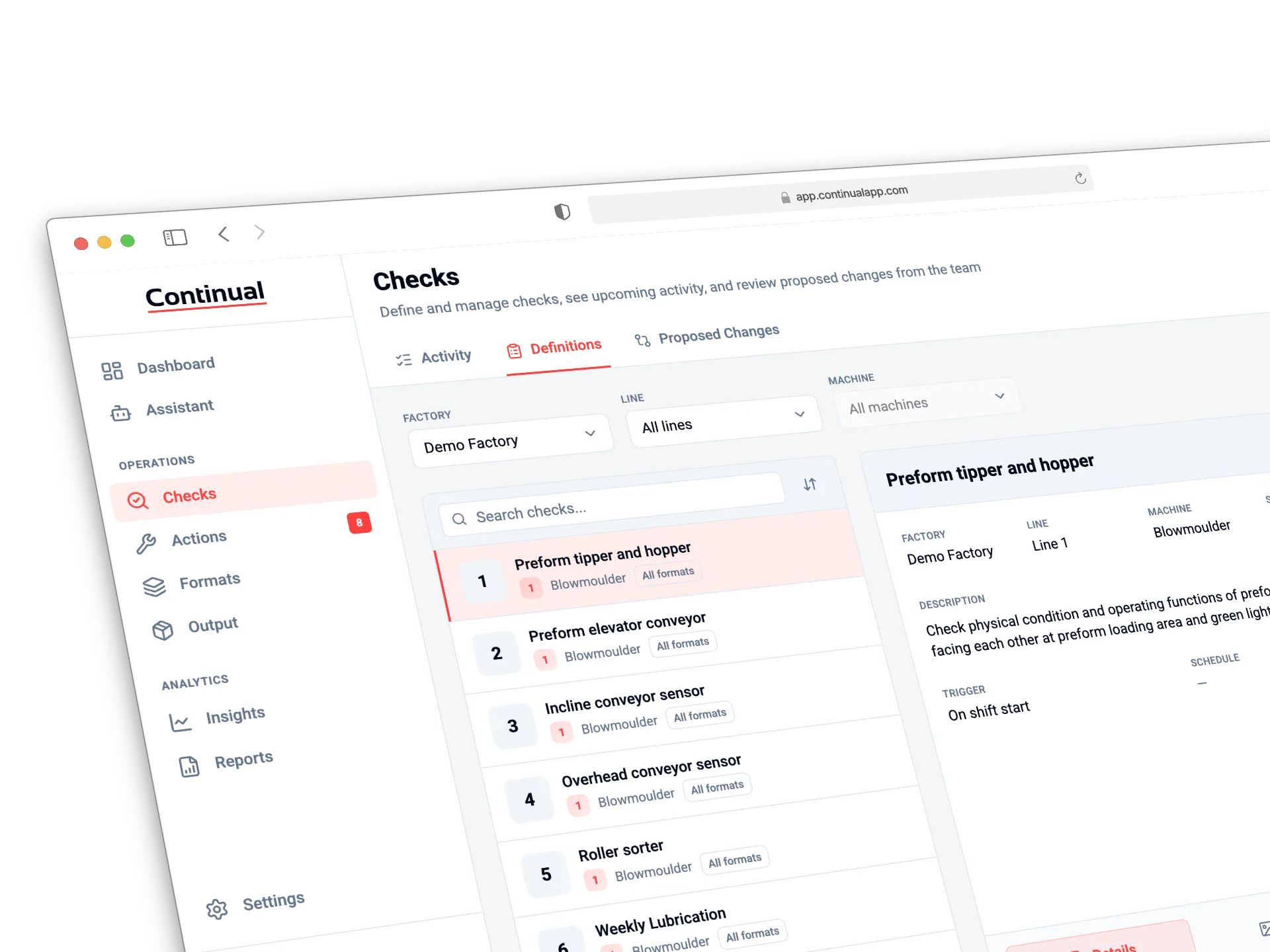
Define your standards
Map your lines and assets, then build CILs, centrelines, safety checks, and routines with visual standards operators can follow.
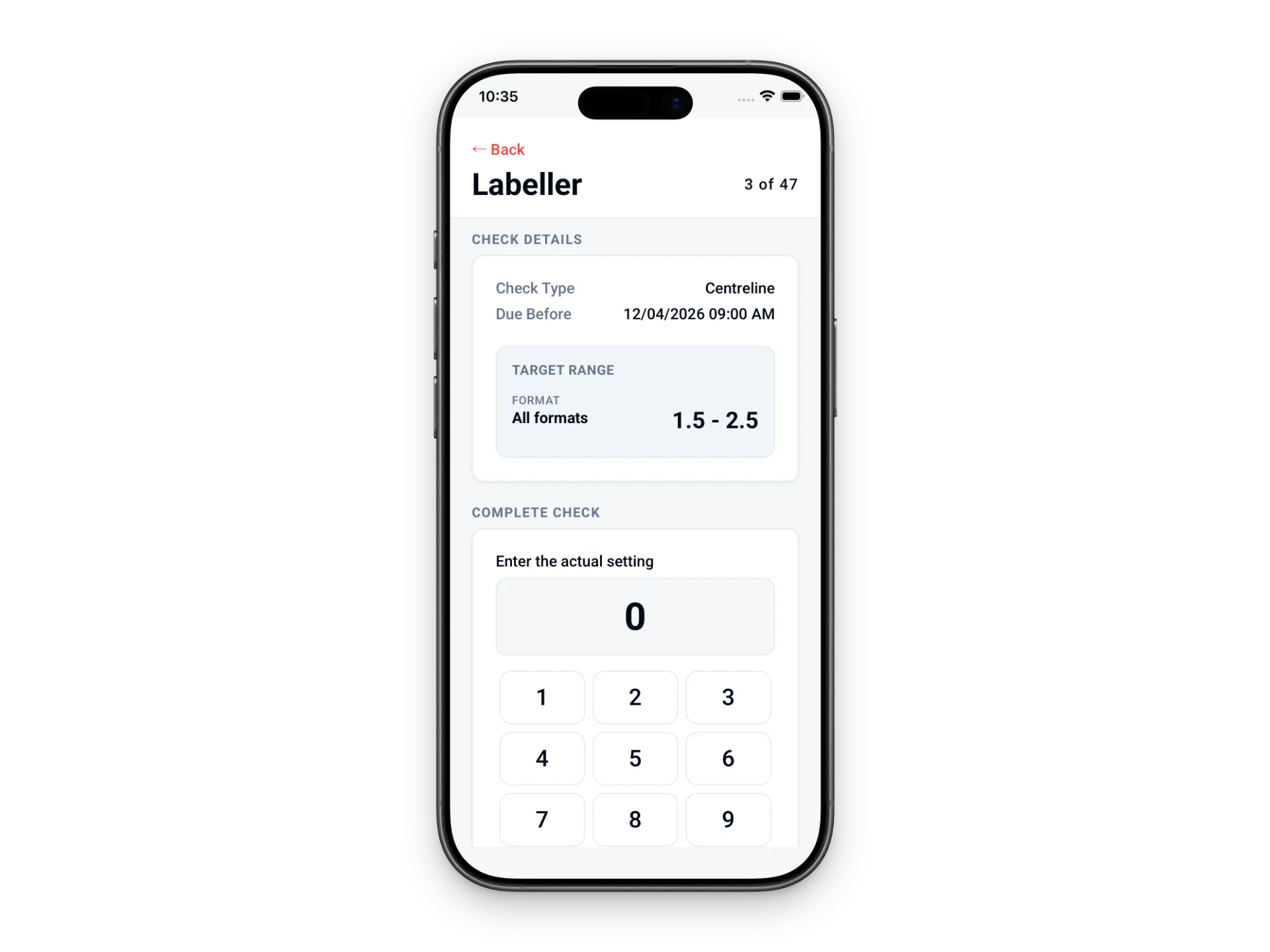
Operators run the routine
Frontline teams complete checks on mobile or shared devices. Defects, deviations, notes, and photos are captured where the work happens.
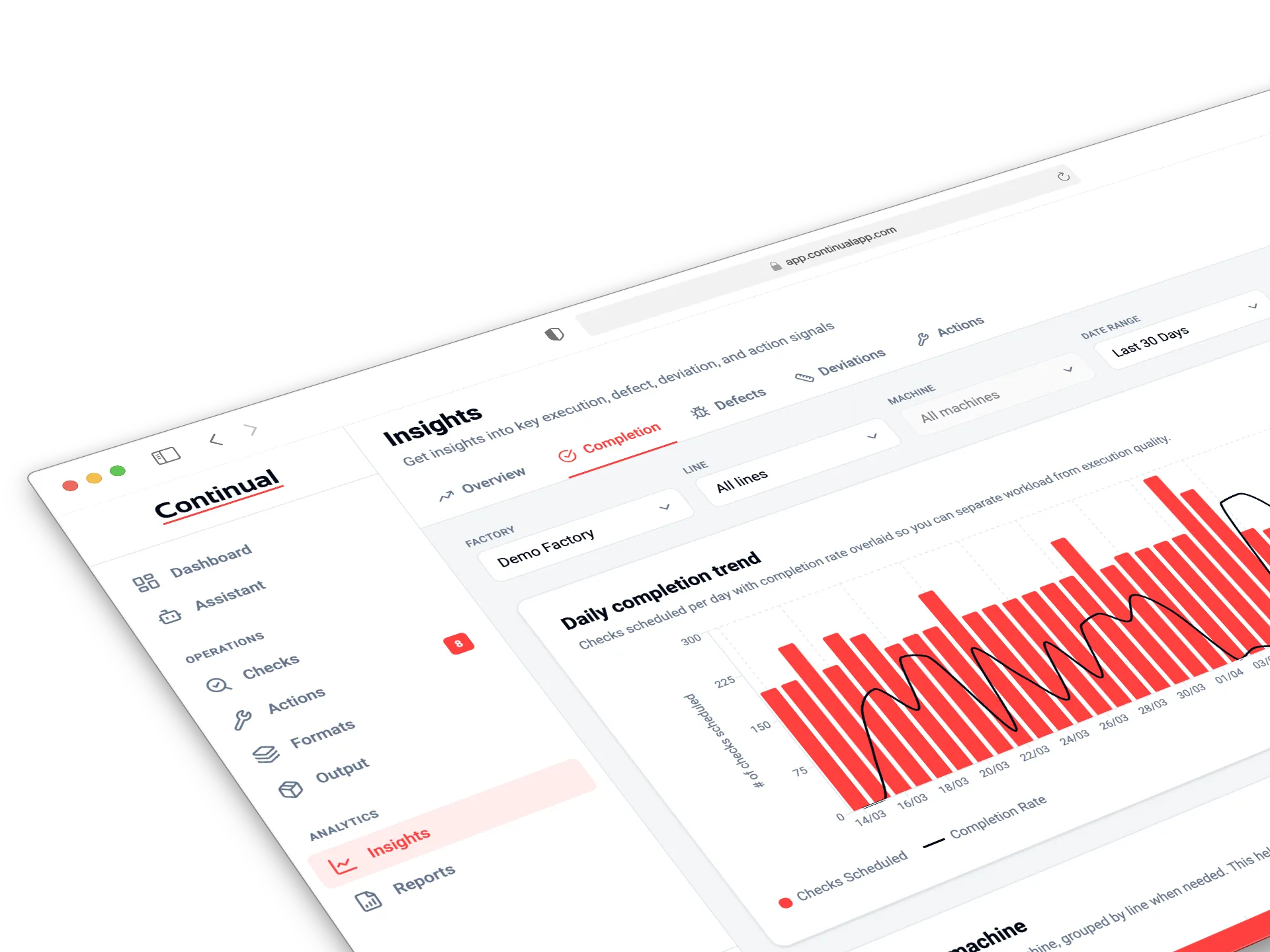
Leaders close the loop
Track missed checks, assign follow-up actions, spot recurring issues, and refine the standard from real operating data.
Your First Month
A clear path to higher OEE
Start with one line, prove the routine, then scale what works.
Build the operating standard
Define lines, machines, checks, schedules, and visual references so every operator knows what to inspect and what good looks like.
Operators run the routine
Frontline teams complete CILs and centrelines on mobile or shared devices. Defects and deviations are captured immediately.
The weak spots become visible
Missed checks, recurring defects, overdue actions, and unstable settings stop hiding in paper logs and verbal handovers.
Actions close the loop
Corrective actions are raised, assigned, and closed. Leaders can see whether defects are actually being followed through.
Improve the standard
Use check activity, defect patterns, and AI-driven insights to tighten the routine and improve OEE over time.
ROI Calculator
How much is downtime costing you?
Enter your production details below. See your potential ROI in 60 seconds.
Add a production line
Enter details for one line at a time, then add it to your site total.
Lines added
Add your first line
Fill in the details on the left and add your first production line to see your ROI.
Total estimated annual production value
—
across 0 line(s)
Conservative
+1 OEE point
—
additional revenue/yr
—
return on Continual
Moderate
+3 OEE points
—
additional revenue/yr
—
return on Continual
Ambitious
+5 OEE points
—
additional revenue/yr
—
return on Continual
Continual is priced per line — Advanced at A$399/line/mo on annual billing (—/yr)
FAQ
Frequently asked questions
Everything you need to know about Continual
How long does it take to get started?
Most teams can configure their first line, machine, and check routine in under 30 minutes. From there, operators can start completing checks on mobile or shared devices immediately.
How does Continual help embed Autonomous Maintenance?
Continual makes AM visible, repeatable, and easy to run every shift. Operators follow CILs and centrelines in the app, capture defects and deviations as they happen, and leaders see compliance, missed checks, and follow-up actions in one place.
Do we need IT support to implement Continual?
No. Operations and maintenance teams can configure lines, machines, checks, schedules, and users through the web portal. IT may only be needed later for SSO or integrations.
What kind of support do you offer?
Advanced plans include priority support. Enterprise customers receive dedicated onboarding and success support for larger deployments.
Is there a free trial?
Yes. All plans include a 1-month free trial with no credit card required. A month gives your team enough time to set up real checks, run them on the floor, and understand the value before paying.
Can we integrate with our existing systems?
Yes. Advanced and Enterprise plans include CMMS integrations via API and webhooks. Continual is not a CMMS replacement; it works upstream of your CMMS by helping operators catch and escalate issues before they become maintenance work orders.
Explore Continual
See how Continual supports AM execution, floor routines, and rollout planning.
Ready to make Autonomous Maintenance stick?
Start with one line. Build the checks. Run the routine. See where the standard is holding and where it is slipping. Your first month is free, with no credit card required.